
Browser-in-the-browser: learn more about this type of phishing
For years, the main tip people used to avoid scams on the internet was always the same: pay attention to the page address. Despite cybercriminals often being recognized as highly “talented” when it comes to creating replica online services or even entire online stores to lure unsuspecting internet users, you simply had to check the […]
For years, the main tip people used to avoid scams on the internet was always the same: pay attention to the page address. Despite cybercriminals often being recognized as highly “talented” when it comes to creating replica online services or even entire online stores to lure unsuspecting internet users, you simply had to check the URL you were on to know if anything was wrong.
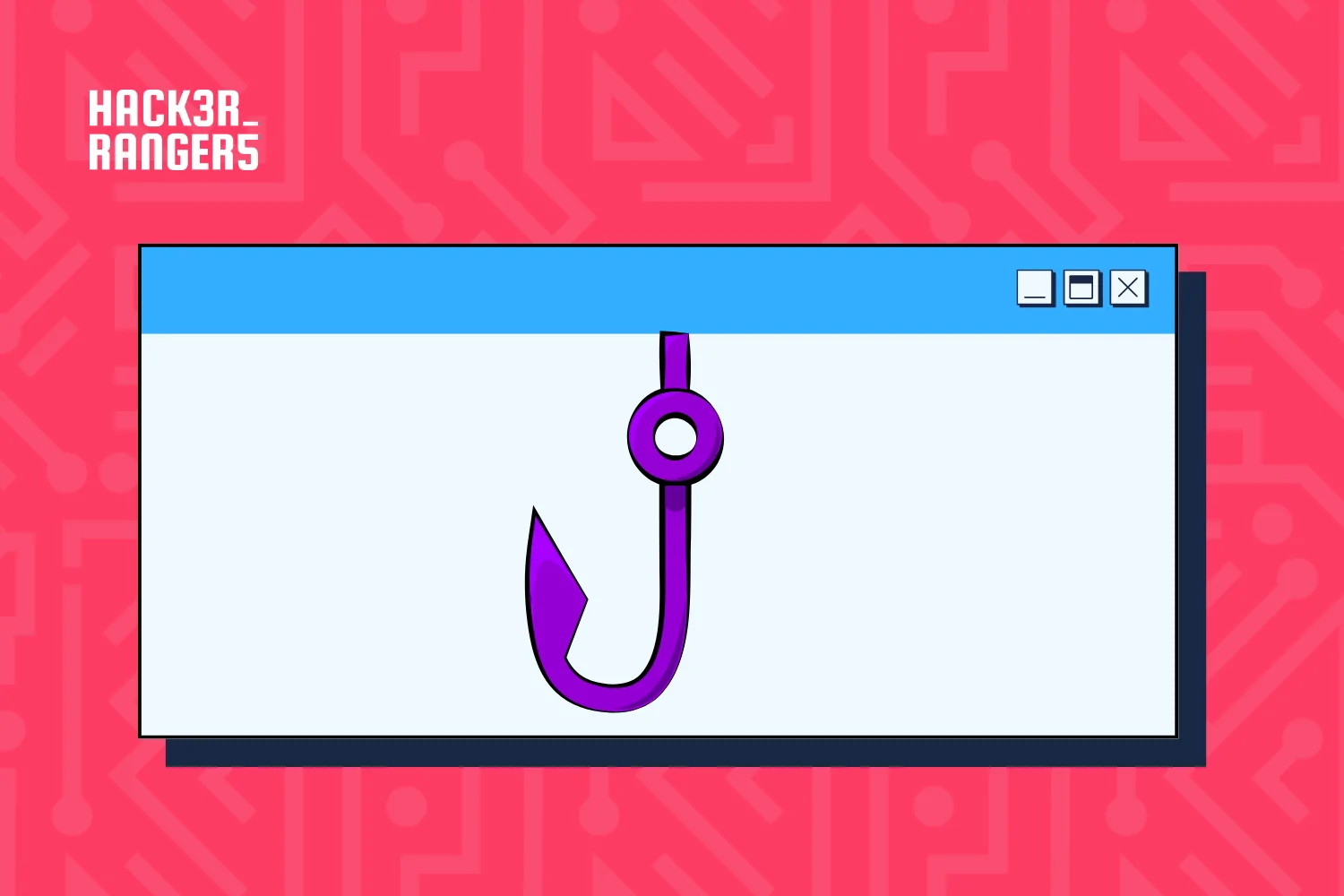
Unfortunately, we’re headed towards a future where things will no longer be that simple. A famous independent researcher posted a warning to specialists worldwide on his blog in the form of a very concerning “finding”: using only a few reasonably simple techniques, a fraudster can falsify a social login pop-up, with a legitimate URL and everything, making it look like you’re entering your credentials into a safe environment. This type of attack has been baptized browser-in-the-browser (BitB).
There was a window in the window
The name says it all. Basically, cybercriminals simulate the entire window of your browser to steal your password. Before continuing, it’s worth reiterating what we mean by the term “social login”: it deals with websites and online platforms that provide access using the profile of another service or social network, doing away with the need to create an additional account and manually enter all your info.
It just so happens that, when you decided to log on to a platform using social login, the browser opens a new window, or a pop-up, which communicates with the external servers of the service or social network and allows you to type in your credentials. If you check this pop-up’s URL, you’ll see the legitimate domain and know you’re in a safe environment.
And the BitB scam preys precisely on this fact. Without bothering about the address of the malicious page in question, the cybercriminal first attracts a victim to some fake website. This page will usually have some incentive for the user to perform a social login and, by clicking on one of the prompts, a fake pop-up appears on the screen. It looks exactly like a real browser window and even has the same minimize/maximize buttons and the URL field features the legitimate domain of the service you’re attempting to access. However, it’s nothing more than an “optical illusion”.
Get prepared!
It’s a really simple trick. Any developer with a basic understanding of HTML5, CSS and JavaScript can “design” this fake window inside the legitimate window of your browser, giving the impression of a pop-up appearing. If a victim falls for the scam and enters their credentials, these will automatically be sent to the cybercriminal’s server. The only way to identify the scam is through the “Inspect Element” resource, which is offered by most browsers, to check the site’s source code and see if the pop-up is fake – this, however, is a tool that is generally only employed by more advanced users.
But before freaking out, it’s important to underline that, up till now, the browser-in-the-browser attack is only conceptual and there are no reports of widespread use in malicious campaigns. Whatever the case, it’s best to get ready, since chances are good that this scam will soon be quite common. The easiest way to check that you’re really viewing a pop-up window is to try to move it, resize it, minimize or maximize it, and to even close it. Try to interact with it as much as possible, as there is a limit to the realism criminals can attain.
Lastly, enabling two-factor authentication on all social networks and online service accounts that you use (especially if you intend to use an account for social login) is another fundamental step. That way, even if a fraudster can steal your credentials, he’ll be held back by the two-factor authentication.