
Do Traditional Phishing Simulations Work? Understand Why Click Metrics May Actually Put Your Security at Risk
Learn why traditional phishing simulations fail to measure your company’s real preparedness and discover a more educational and effective approach.
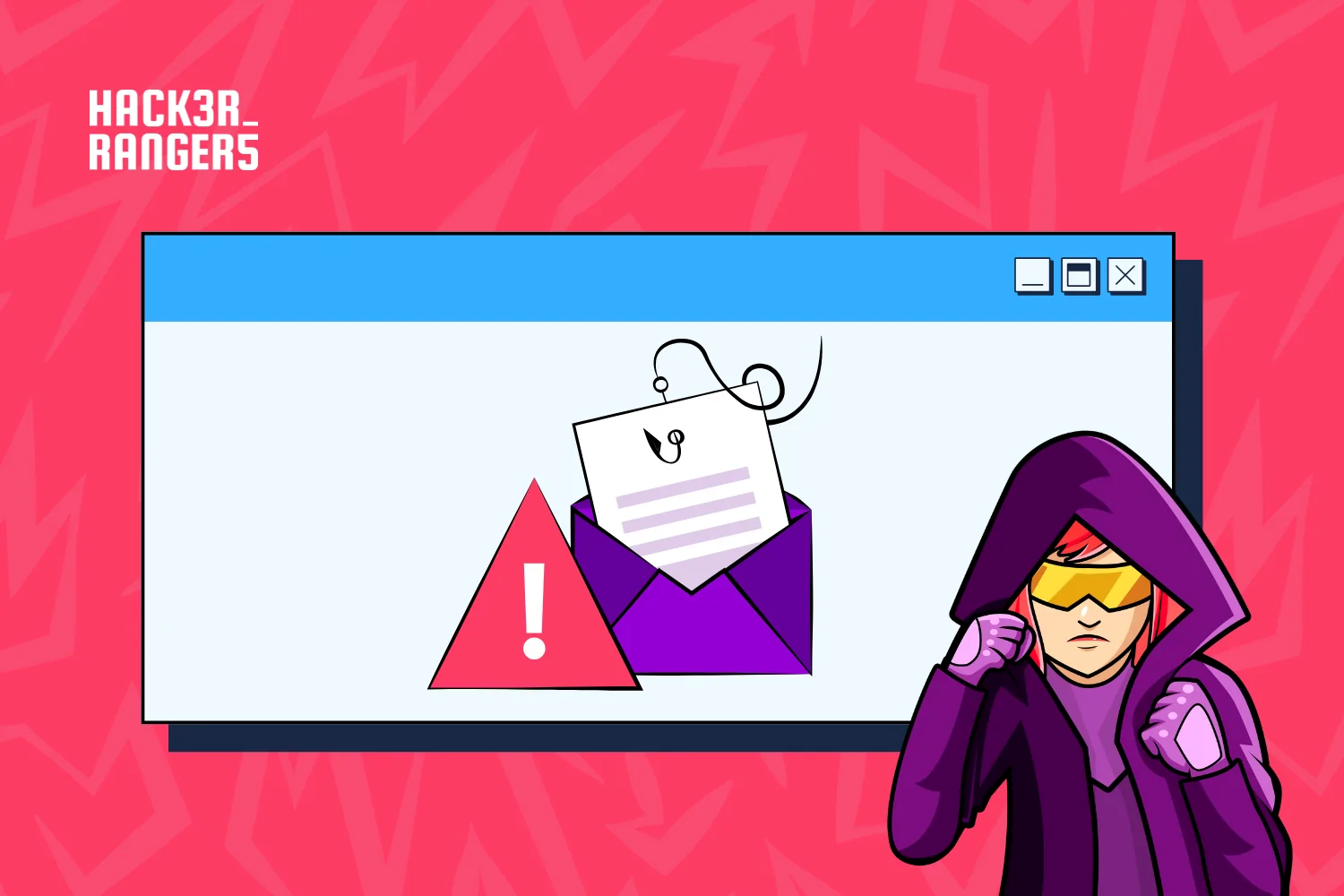
Whether due to compliance requirements or a genuine concern about cybersecurity, most companies have already conducted some form of traditional phishing simulation. These simulations usually arrive as emails containing an attractive promotion, an urgent request, or an alarming message.
Although these initiatives are intended to reduce risks, they can also have the opposite effect. When poorly planned, phishing simulations can undermine trust between employees, security teams, and the organization itself.
When “training” becomes a problem
A poorly executed phishing simulation can cause a significant breakdown in trust.
A notable case occurred in 2023, when a university in California conducted a phishing simulation with the subject line: “Emergency Notification: Ebola Case on Campus.”
Although it was only a test, the message caused panic among students and employees. The backlash was so severe that the IT team had to issue a public apology.
The incident demonstrates how a simulation can cross the boundaries of awareness training and cause real harm. By exploiting a sensitive and alarming topic, the institution not only created fear but also jeopardized the credibility of future emergency communications.
After all, when institutional messages are used as traps, people may begin to question whether they should trust them when a real emergency occurs.
The problem with traditional metrics
In traditional phishing tests, results are usually reduced to two categories: those who clicked and those who did not. On their own, however, these metrics reveal very little about an organization’s actual level of preparedness.
Does the Click Rate Measure Employee Preparedness?
Not necessarily. For a long time, indicators such as click rates, training completion rates, and views of educational pages were treated as signs of maturity. However, when considered in isolation, they only record individual events rather than employees’ actual ability to recognize, interpret, and respond to a phishing attempt.
The click rate, often used as the main or even the only metric in security programs, measures only one specific reaction to one specific message. Depending on the topic, the timing, and the template used, the results can vary dramatically.
In a study conducted by UC San Diego and the University of Chicago, different simulations produced significantly different average failure rates. While messages involving Outlook password updates and account logins resulted in rates below 2%, a campaign related to a vacation policy reached 30.8%.
This means that the click rate may reveal more about the emotional appeal, relevance, or context of a particular email than about employees’ actual preparedness. Someone who did not click on one simulation and was considered “aware” may react differently to another message, especially when the content is more convincing, urgent, or closely connected to their daily routine.
Is the Training Presented After a Click Effective?
Not always. Recent studies have questioned the effectiveness of training displayed after someone clicks on a phishing simulation. In practice, its impact may be much smaller than many companies assume.
A study by ETH Zurich followed more than 14,000 employees over 15 months and analyzed the effects of educational content displayed after a click. The study concluded that this type of training, when provided in isolation, does not ensure that users will be better prepared to recognize future phishing attempts. In many cases, participants remained vulnerable and, under certain conditions, were even more likely to fall for subsequent tests.
Another study, conducted with more than 19,500 employees at UC San Diego Health, reached a similar conclusion. According to the research, traditional anti-phishing training formats, including unannounced simulations, did not demonstrate a significant practical impact on risk reduction. One of the reasons identified was the low level of user engagement with the educational materials presented after the test.
These findings reinforce an important lesson: training without context or engagement rarely turns into meaningful learning. When content is presented only as a consequence of clicking, users may view the guidance without necessarily understanding why the information matters, which warning signs they failed to notice, or how to apply that knowledge when facing a future threat.
Are Those Who Did Not Click Truly Prepared?
Not necessarily. A high percentage of people who did not click, for example, does not automatically mean that the company is more secure. Employees may have been too busy to open the message, some team members may already have known that a test was being conducted, or the topic used in the simulation may simply not have attracted their attention.
In other words, not clicking is not always the result of a conscious decision. Without understanding the context and behavior behind the action, the organization risks turning a superficial metric into a false sense of security.
In recent years, Google has moved away from conducting phishing tests in their traditional format. In its official blog, the company explained that raising employee cybersecurity awareness remains essential, but that the process does not need to be confrontational.
As the article “On Fire Drills and Phishing Tests” explains, there is no benefit in creating a dynamic based on “catching” people making mistakes. This shift in approach reinforces an important idea: rather than measuring who fell for the trap, it is more relevant to assess whether people know how to recognize, report, and respond appropriately to a threat.
How Should the Effectiveness of a Phishing Simulation Be Measured?
To accurately measure employees’ preparedness against phishing attacks, it is not enough to analyze how many people clicked or did not click on a message. An effective assessment should determine whether users can recognize warning signs, explain their decisions, report suspicious messages, and apply their knowledge in different contexts. In other words, the organization must measure behavioral change, not merely isolated events.
Metric 1: Which Phishing Signs Were Identified—and Which Were Missed?
A good simulation should determine whether users can identify the elements that make a message suspicious. These warning signs may include:
- urgent or threatening requests;
- inconsistent senders or domains;
- suspicious links;
- unusual requests for credentials;
- language or formatting errors;
- offers that seem too good to be true;
- requests that fall outside the organization’s standard processes.
More important than knowing whether a user clicked is understanding which signs they noticed and which ones they overlooked.
Metric 2: How Does the User Justify Their Decision?
Employees should not merely classify a message as legitimate or malicious. They should also explain why they reached that conclusion.
This justification makes it possible to assess whether the decision was based on knowledge, intuition, general suspicion, or chance. It also helps identify specific learning gaps.
A person may reach the correct answer without understanding the warning signs. Likewise, someone may answer incorrectly despite identifying some of the indicators. Without this additional layer of analysis, the organization sees only the final result, not the reasoning that led to it.
Metric 3: What Does the User Do After Receiving a Suspicious Message?
Recognizing phishing is only one part of the response. Employees must also know what to do next. A complete assessment should determine whether the user:
- reports the message through the correct channel;
- avoids forwarding the content in an unsafe manner;
- promptly notifies the responsible team;
- follows the procedures established by the organization.
The ability to report a threat may be more valuable to the organization’s collective security than simply not clicking.
Metric 4: How Does the User Behave Over Time?
A single simulation is not enough to determine whether a person is prepared. Performance may vary depending on the topic, level of difficulty, context, and timing of the message. Therefore, assessments should monitor employee development across different scenarios.
The most relevant metrics include:
- warning signs correctly identified;
- quality of the justifications provided;
- reporting rate;
- response time;
- types of threats that present the greatest difficulty;
- reduction in recurring mistakes;
- individual and collective development over time.
The goal should not be to identify who “fell for the trap,” but to determine whether people are developing the skills and judgment required to make better decisions when facing real threats.
PhishOS: A New Approach to Phishing Simulations
Based on these principles, Hacker Rangers developed PhishOS, an advanced simulator designed to go beyond simply counting clicks. The solution is based on the NIST Phish Scale, a methodology developed by the National Institute of Standards and Technology to assess the warning signs present in phishing messages and the difficulty level of each simulation.
With PhishOS, users do more than classify a message as legitimate or malicious. They must also justify their decision and identify the warning signs that support their analysis. As a result, the platform does not merely record the final answer. It allows managers to understand each participant’s reasoning, identify behavioral patterns, and detect the team’s main knowledge gaps more accurately.
What Does PhishOS Measure?
PhishOS makes it possible to assess:
- whether the user recognizes a phishing attempt;
- which warning signs were identified;
- which indicators went unnoticed;
- how the user justifies their decision;
- which types of messages create the greatest difficulty;
- how performance develops over time.
Rather than presenting training as a punitive or bureaucratic activity, PhishOS transforms each simulation into a gamified and contextualized experience. Users analyze practical scenarios, make decisions, earn points for correct answers, and receive immediate recognition for their performance.
When they make a mistake, they also receive instant feedback explaining which warning signs they missed, why the message represented a risk, and how they could respond more safely in a similar situation. This allows learning to take place at the moment of decision, while the context is still clear to the participant.
With this approach, the simulation is no longer merely a test. It becomes a practical development opportunity. Employees strengthen their ability to recognize threats in a safe environment, while managers monitor behavioral patterns, recurring difficulties, and team development over time.
From Counting Clicks to Developing Skills
Phishing simulations should not exist merely to test, punish, or surprise employees. They should help people understand how attacks work and make safer decisions.
This requires a shift in focus: moving away from isolated metrics such as click rates and toward measuring real skills, including recognition, interpretation, justification, reporting, and development over time.
With PhishOS, organizations transform phishing simulations into educational, contextualized, and genuinely measurable experiences, all within a controlled and 100% secure environment. Request a demonstration and discover, in practice, a new way to prepare employees to respond to real threats.